
How to Automate CDK Global and Dealer Management Systems

By Faiz · July 15, 2026
Dealer management systems run automotive dealerships. CDK Global, Reynolds and Reynolds, and a handful of other vendors dominate the market. These systems handle inventory, sales, service appointments, parts ordering, customer records, and financing. They are the operational backbone of every dealership.
They also do not grant API access to most customers.
What AI Companies Need From DMS
AI companies selling into automotive dealerships need to read and write data in the DMS. Inventory management AI needs to update vehicle listings, pricing, and availability. Service scheduling AI needs to read appointment slots and create bookings. Customer experience AI needs to pull purchase history and service records. Invoice and claims processing AI needs to read and update financial data.
Without API access, the only interface is the desktop application. A human would log in, navigate through menus, fill out forms, and submit. Automation needs to do the same.
Why Traditional RPA Breaks on DMS
Traditional robotic process automation has been used for DMS automation. The results are mixed. DMS interfaces are complex. Multi-step forms with conditional fields. Nested tabs. Validation rules that vary by dealership configuration. A single workflow might involve ten screens, each with multiple fields and branching logic.
Selector-based RPA breaks when CDK or Reynolds pushes an update. A menu item moves. A form gets reorganized. A new validation dialog appears. The bot fails because its selectors no longer match. The maintenance burden is high because DMS vendors update their software regularly.
Image-based RPA, which uses screenshots to find elements, is slightly more resilient but still fragile. Resolution differences, theme changes, and UI updates break image templates. Each dealership may have different configurations, so a template that works at one location fails at another.
How Minicor Automates the DMS
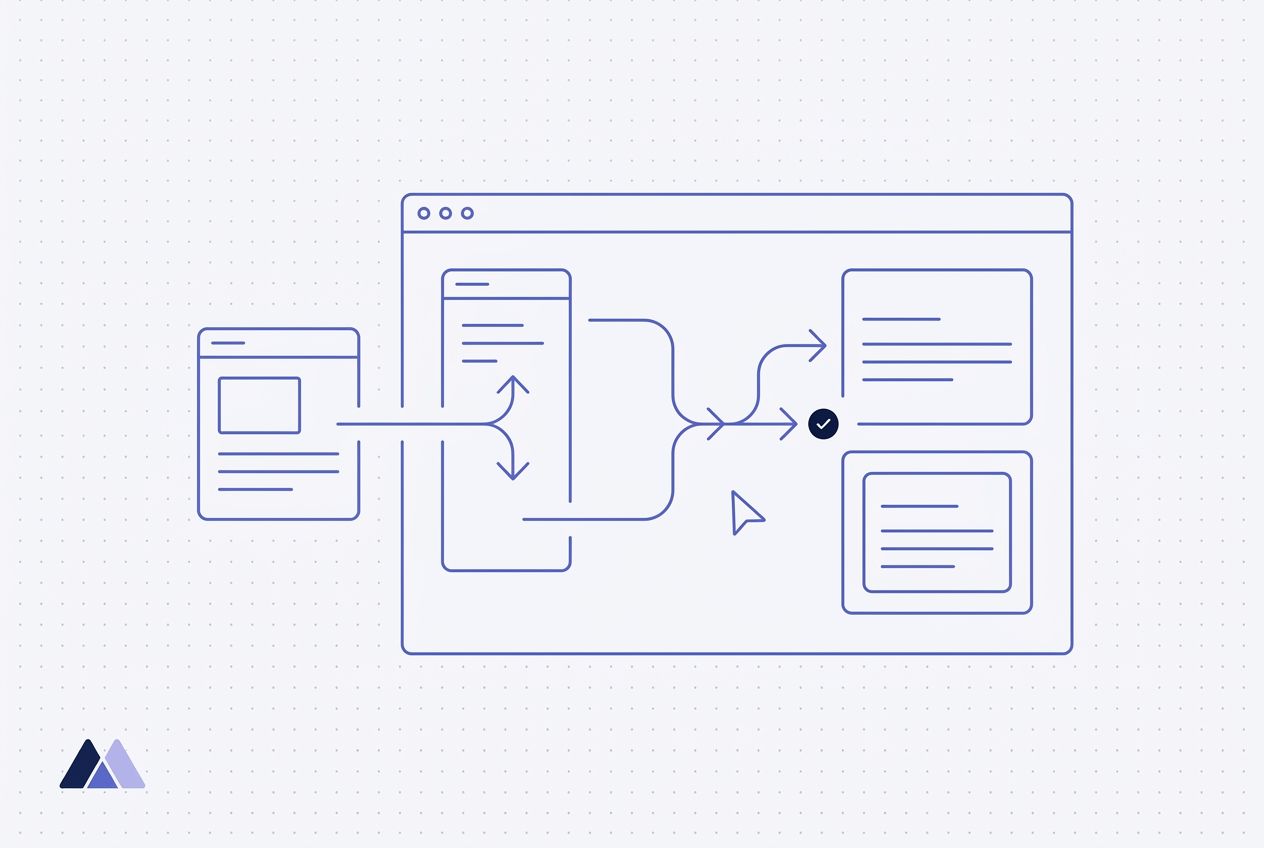
Minicor records a workflow once and stores it as deterministic Python. That deterministic path handles the vast majority of runs. It is fast, cheap, and repeatable, and it does the same thing every time. There are no model calls on the hot path, so a vehicle update or an appointment booking runs the same way whether it fires once or ten thousand times.
The computer use agent is the recovery layer, not the default. When a step hits something the deterministic path did not expect, a menu that moved, a new validation dialog, a form that was reorganized, the agent takes over. It reads the screen, understands the layout, and determines the correct action to get back on track. A reasoning model picks the action, a vision model grounds the click, and a reflection step checks the result before moving on.
This split matters for DMS automation because the interfaces are dense and variable. Forms have dozens of fields, conditional sections appear based on vehicle type or customer status, and multi-step wizards change flow based on user input. The deterministic path runs the known flow. The agent handles the moments where the screen deviates from it.
When CDK or Reynolds pushes a UI update, agents that see the screen repair the workflow. A button that moved is still findable. A form that was reorganized is still navigable. The deterministic path keeps running the parts that did not change, and the agent patches the parts that did, so the automation heals instead of breaking.
Practical Considerations
DMS automation often runs in dealership environments with variable network conditions and shared workstations. The agent needs to handle session timeouts, slow loads, and unexpected dialogs. Self-healing behavior is critical: when a popup blocks the workflow, the agent dismisses it and continues. When a step fails, the agent retries with adjusted behavior.
Dealerships also have different configurations. One may use custom fields. Another may have different workflow preferences. When a configuration variation trips up the deterministic path, the agent's visual understanding absorbs the difference instead of failing outright.
For AI companies building products for automotive dealerships, DMS integration is the deployment bottleneck. Minicor provides a path that does not depend on CDK or Reynolds granting API access: deterministic automation for the everyday runs, and a computer use agent to recover when the interface shifts. The automation works through the same interface the dealership staff uses every day.
Visit Minicor
RPA platform for deploying AI into legacy desktop systems with self-healing desktop automations and computer-use agents.
Get startedRelated reading
Written by
Faiz
RPA platform for deploying AI into legacy desktop systems with self-healing desktop automations and computer-use agents.